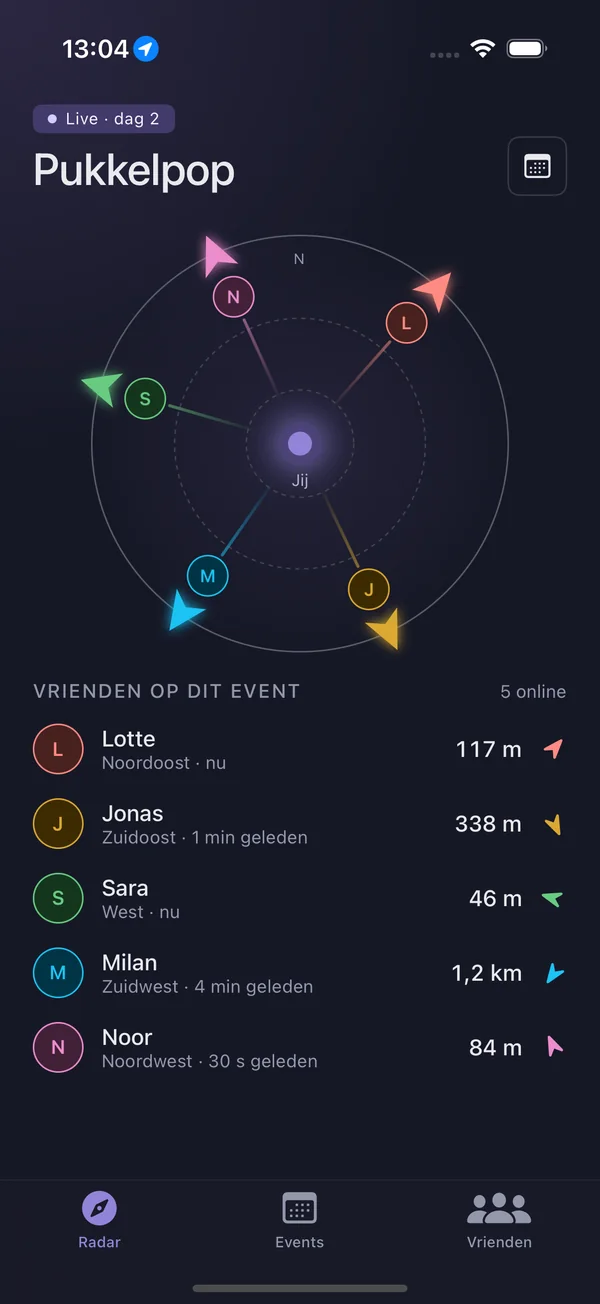
Friend Tracker puts your friends on a compass radar. Everyone gets their own color and an arrow pointing to where they are — with distance and walking time. No map to decipher: turn, look, walk.
Set it up once before the festival starts. At the festival itself, all you have to do is raise your phone.
01
Your friend codeFT-4K9Q-X2MZ
Add your friends
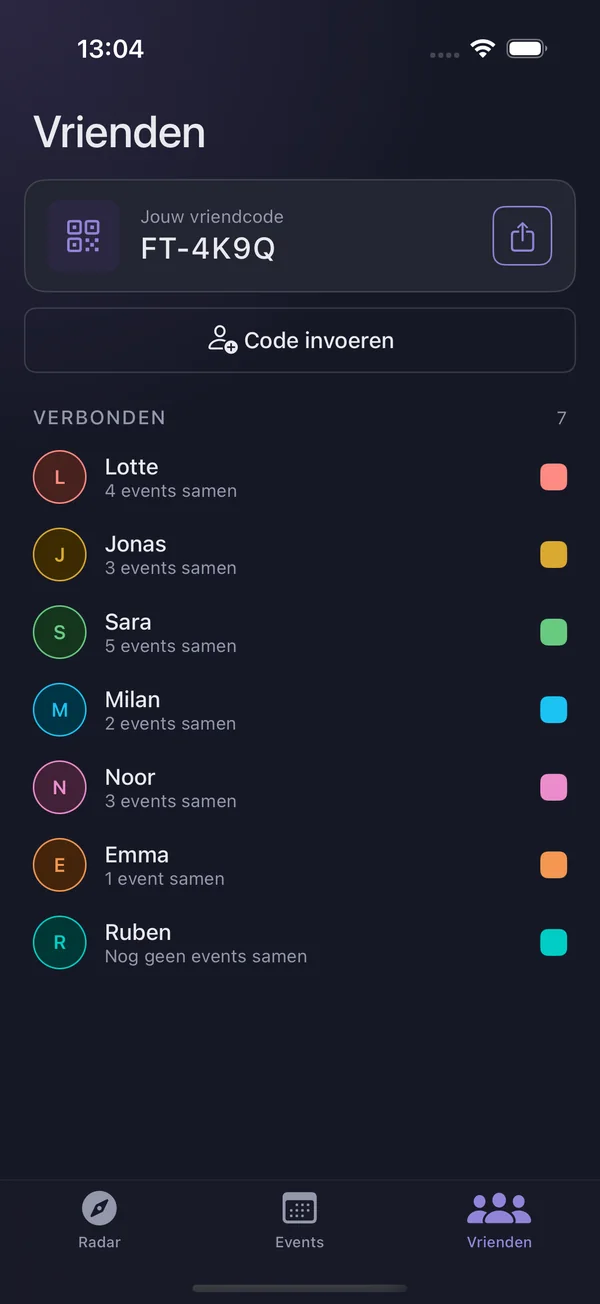
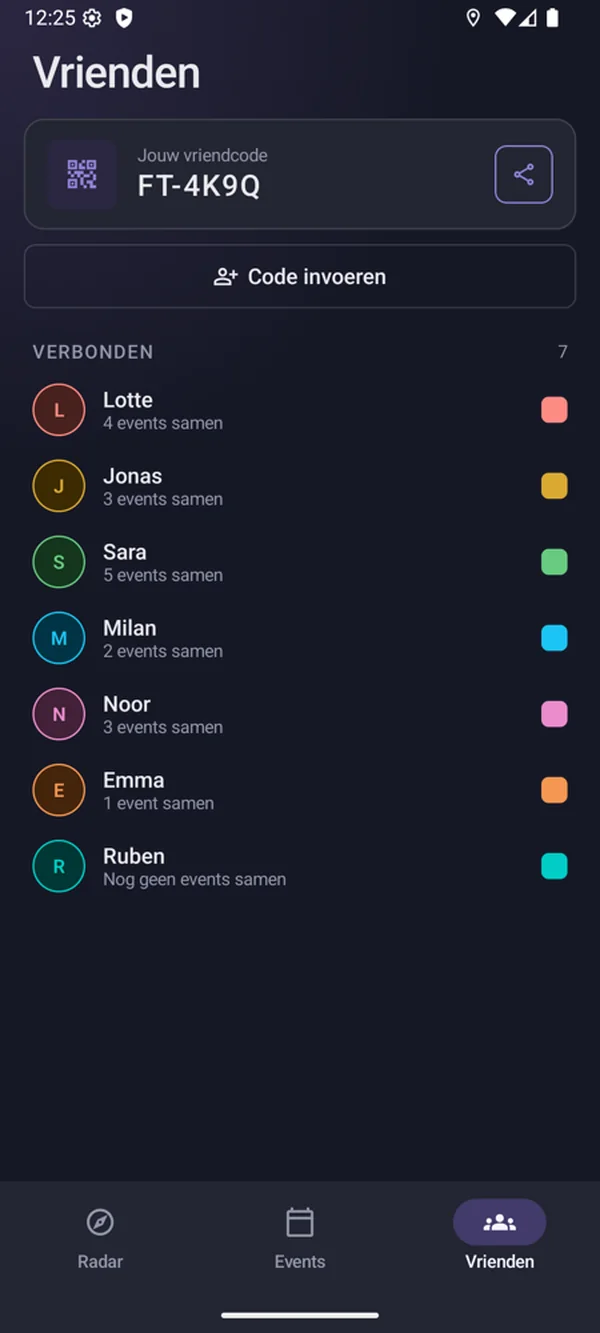
Share your friend code or invite friends by email. As soon as they accept your request, you’re connected.
02
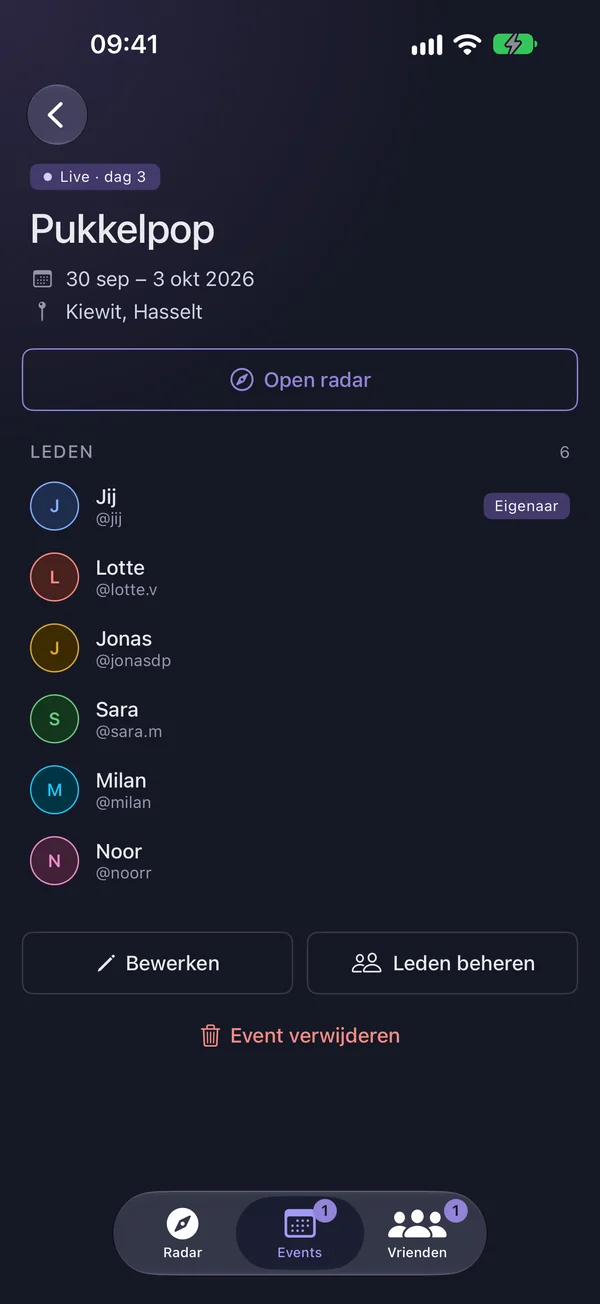
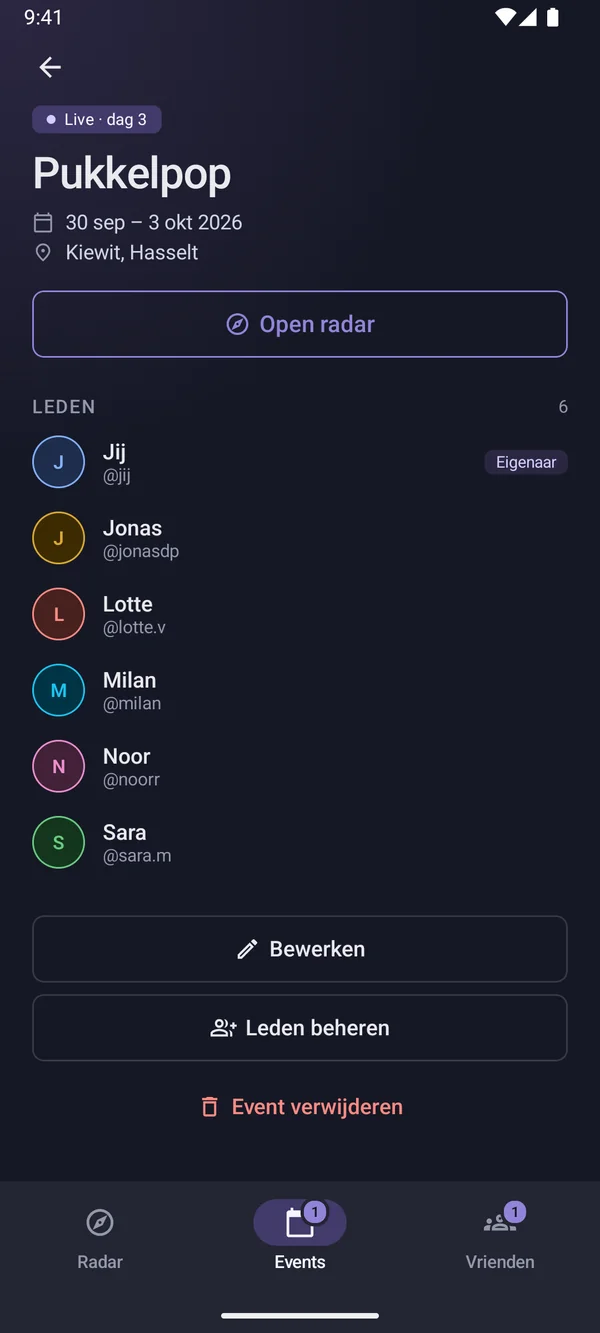
PukkelpopHappening now
30 Sep – 3 Oct · Kiewit
LJSMN
Create an event
Name, dates, place. Invite your friends: everyone who joins shows up on the radar during the event.
03
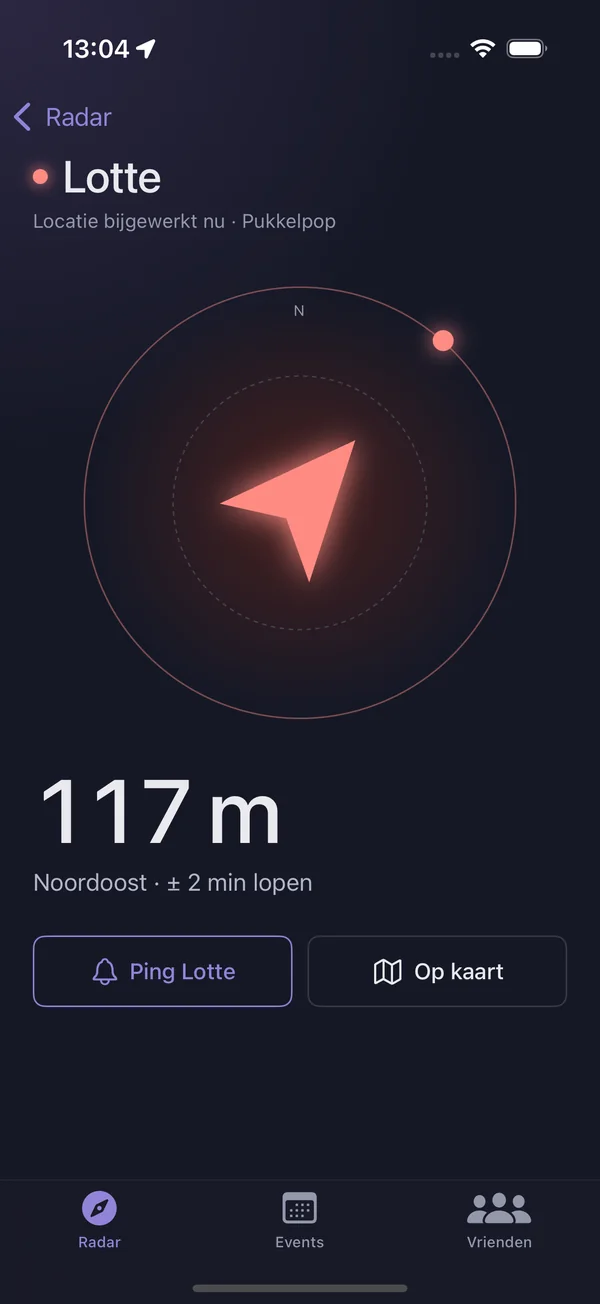
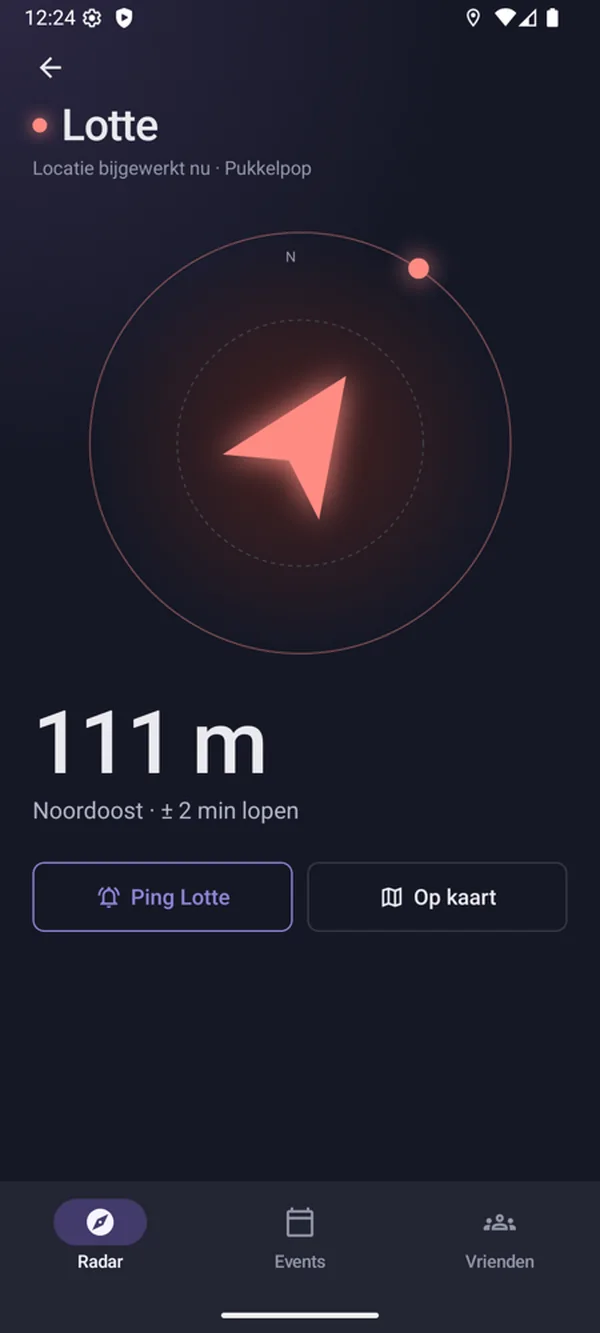
120 mNortheast · ± 2 min walk
Follow the arrow
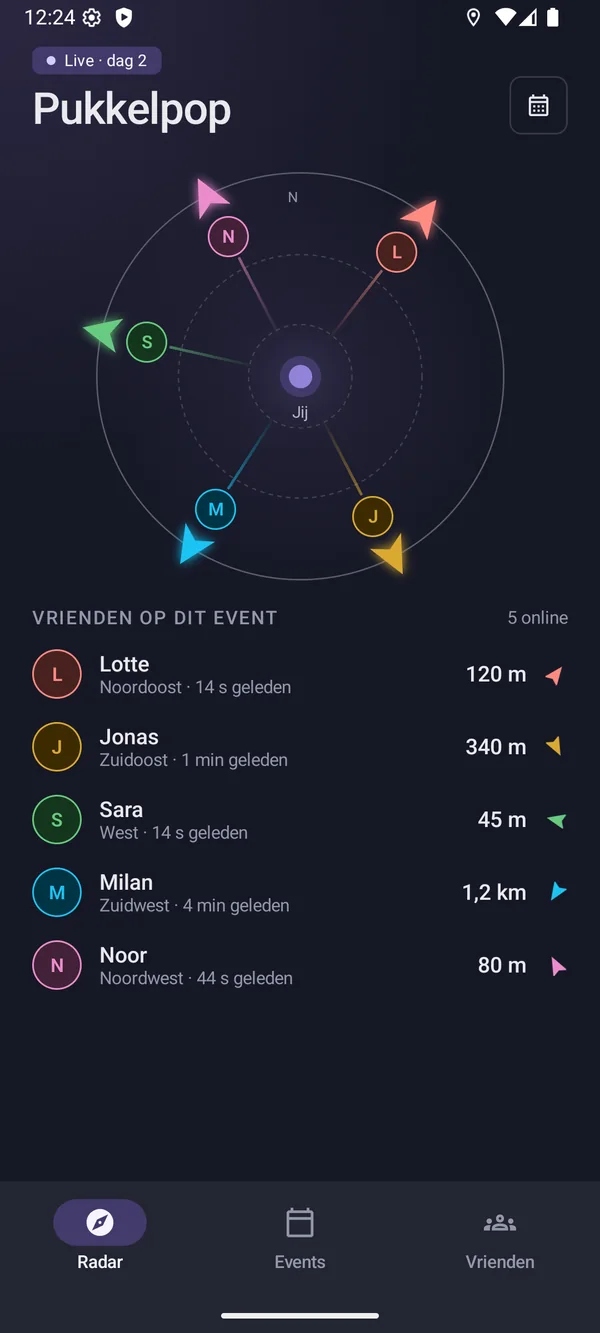
On the radar, a colored arrow points to each friend. Tap a name for distance and walking time.
Features
Made for the field, not for the map.
A map makes you work out where you are first. Friend Tracker skips that step and simply points the way.
Radar
Radar with compass
Turn your phone and all the arrows turn with it. At a glance you see who’s close by and who’s on the other side of the site.
Friends at this event5 online
LLotteNortheast · now120 m
JJonasSoutheast · 1 min ago340 m
SSaraWest · now45 m
MMilanSouthwest · 4 min ago1.2 km
NNoorNorthwest · 30 s ago80 m
Find friend
Distance and walking time
Tap a friend: one big arrow, the distance in meters and roughly how long the walk is.
117 m
Nearby
No jumpy arrow at 10 meters
Within about 25 meters of each other, the app shows “Nearby” instead of an arrow jumping all over the place. Look around, or send a quick ping.
NearbyWithin ~25 m — look around or ping Sara
Alert
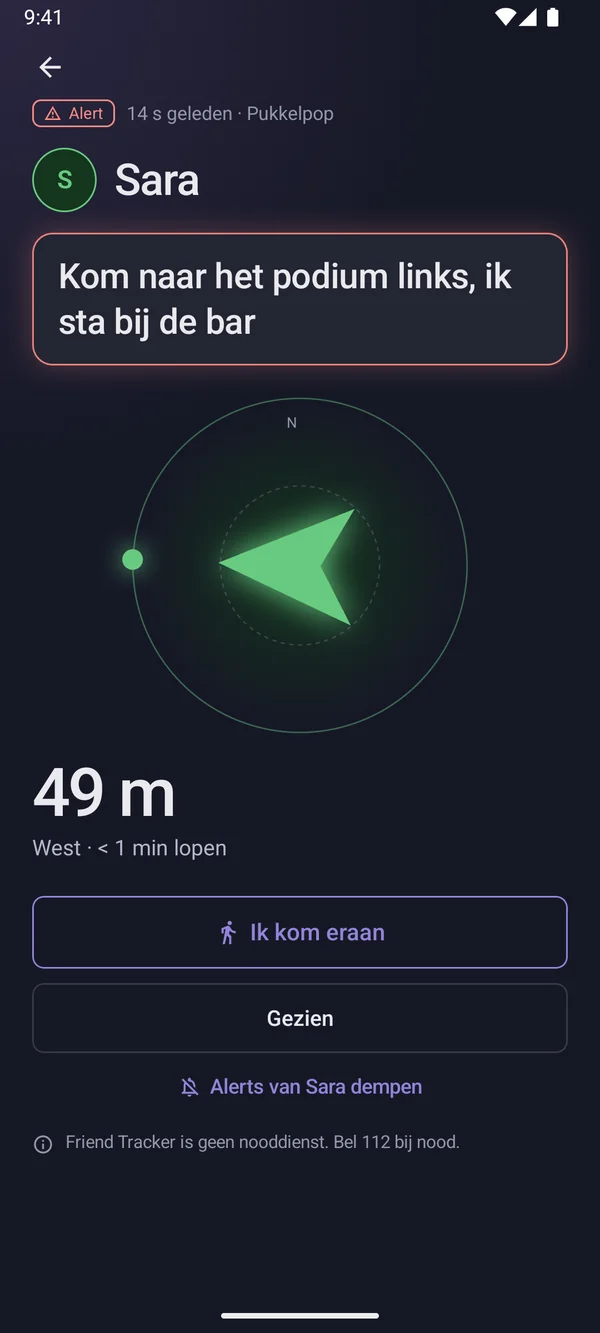
Alert everyone at once
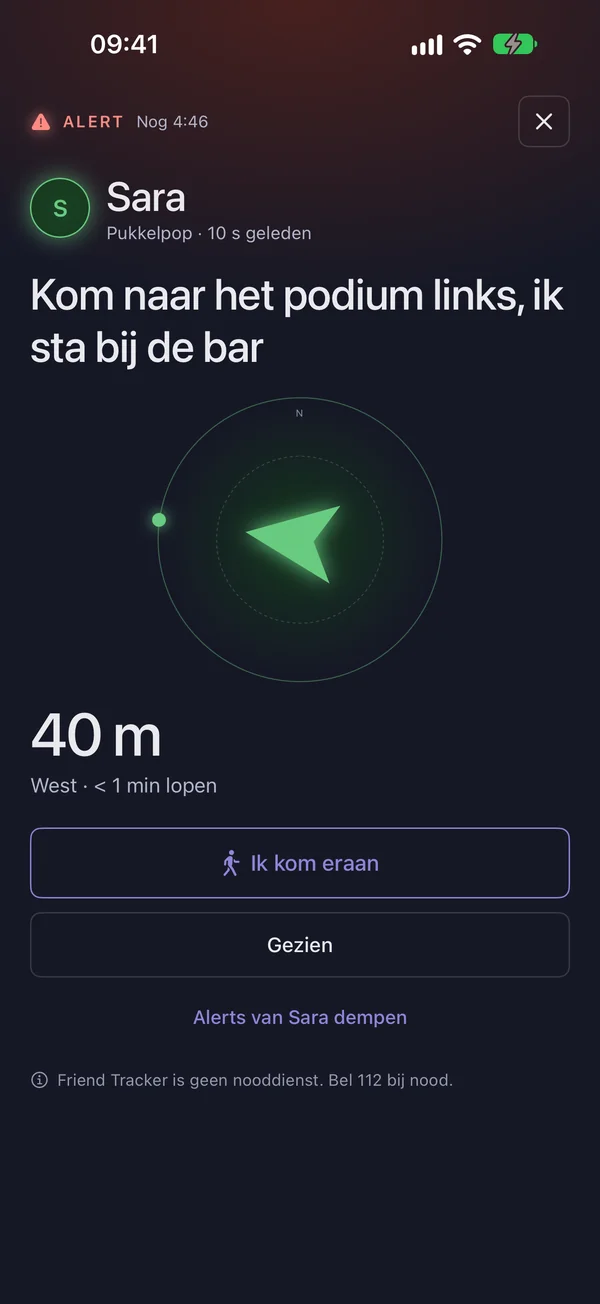
One button and everyone in your event gets your message and your location. Their phones keep ringing for up to 2 minutes, or until they respond.
SAlert from Sara40 m
Come to the stage on the left, I’m at the bar
On my wayGot it
Friend Tracker is not an emergency service. In an emergency, call 112.
Ping
Let them know you’re looking
One tap and your friend knows you’re on your way to them. No shouting into your phone over the bass.
Ping Lotte
Events
One event per festival
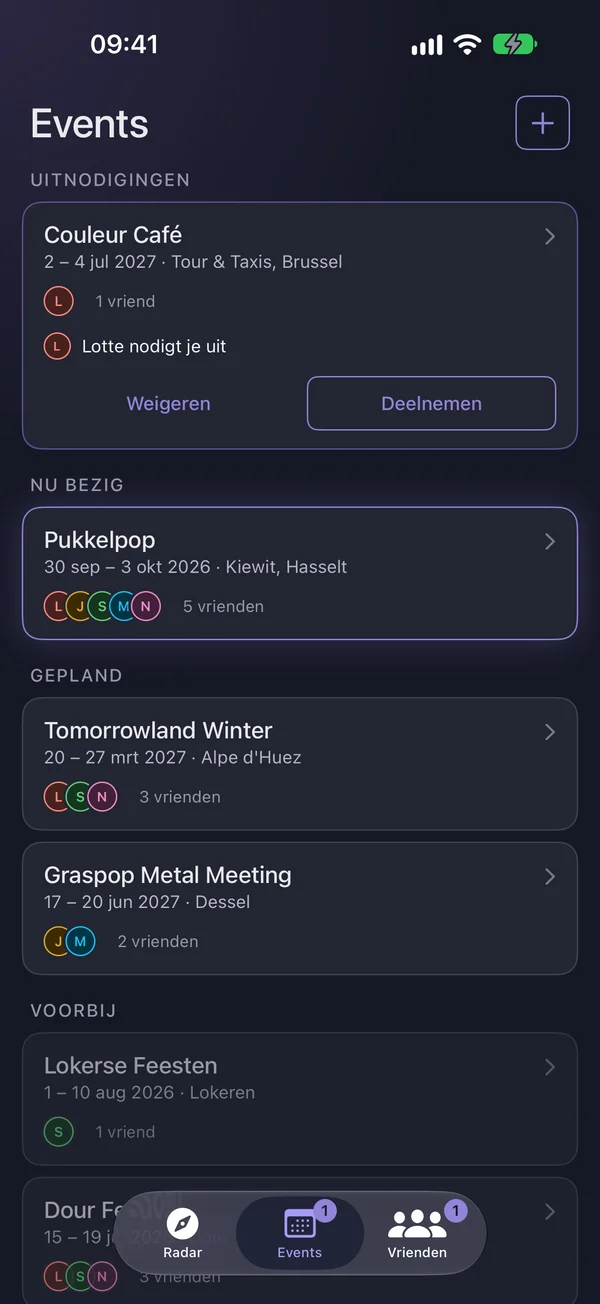
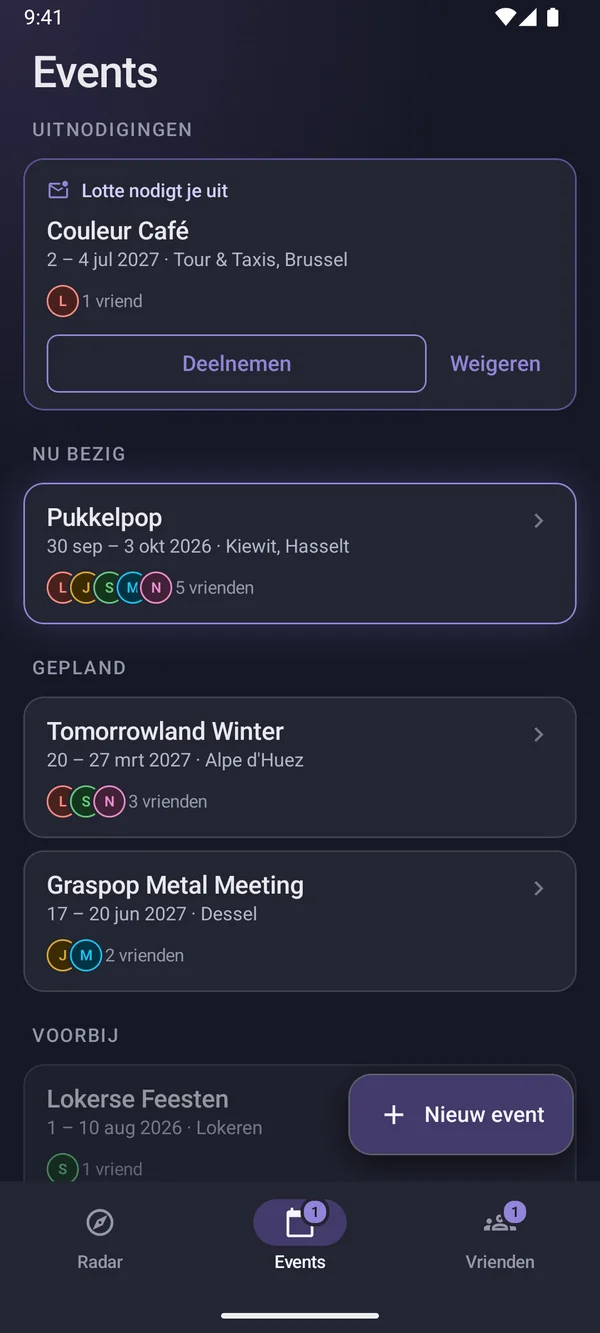
Invite your friends; everyone who taps “Join” sees the others on the radar — and nobody else. After the weekend, the event moves to “Past” by itself.
LLotte invited you
Couleur Café2 – 5 Jul 2027 · BrusselsJoinDecline
Pukkelpop30 Sep – 3 Oct 2026 · KiewitHappening now
Friends
Only people you accept
Add friends with their friend code or email address. They get a friend request, and only once they accept are you connected.
LLinaFriend requestAcceptDecline
Your friend codeFT-4K9Q-X2MZ
Background sharing
Findable with your phone in your pocket
Optional: turn on “Background sharing” and your friends can find you even when the app is closed. Only while your event is running, and it stops by itself after the event.
Background sharing
Sharing in the backgroundStops by itself after the event
Colors
Everyone gets their own color
The same color on the radar, in the list and while searching. No reading names in the dark.
Lotte
Emma
Jonas
Sara
Ruben
Milan
Noor
Privacy
Your location stays in your own circle.
Knowing where your friends are is handy. Knowing nobody else can see it matters just as much.
1Download the fileTap “Download Android beta” on your Android phone. Your browser saves the file friendtracker-android-beta.apk.
2Allow the installationOpen the file. If Android asks for permission, turn on “Install unknown apps” for your browser or file manager.
3Install and openTap Install, open Friend Tracker and allow access to your location. Done.
It’s a beta, so there may still be a few small bugs. You install an update the same way — download the new APK and install it over the previous one; your data is kept.
To exchange positions you need a data connection — mobile data is enough, no Wi-Fi needed. If the network drops out at the festival for a moment, the arrow keeps pointing to your friend’s last known position, and you can see how old it is (“4 min ago”). Your compass and your own GPS keep working offline.
How much battery does it use?
By default, Friend Tracker only uses GPS and the compass while the app is open, so a quick look at where your friends are costs very little. If you turn on “Background sharing”, the app sends your position about once a minute during the event, even with your phone in your pocket. That uses a bit more battery, and it stops by itself after the event. Out for the whole day? Bring a power bank, as always.
Who can see my location?
Only the other participants in an event you’ve joined yourself. Not your other friends, not people who are only invited, not everyone with the app. Your location is only shared on the days of that event. Location history is automatically deleted after 7 days.
Does it cost anything?
No. Friend Tracker is free. You only need an account to add friends and create events.
Which phones are supported?
iPhones running iOS 17 or later, and Android devices running Android 8.0 or later. The app also works without Google Play services (e.g. some Huawei devices), but without push notifications. For the rotating radar your phone needs a compass; without one, the arrows point relative to north.
How do I add friends?
Go to Friends → Add friend and enter your friend’s code (like FT-4K9Q-X2MZ) or their email address. Your friend gets a friend request, and you’re only connected once they accept it. If they don’t have the app yet, they get one invitation email; if they create an account with that email address, your request will be waiting for them. After that, you can invite them to an event.
Can someone just add me?
No. Nobody becomes your friend or event member unless you accept yourself, and an invitation to an event doesn’t share any location yet. Shared your friend code with too many people? Request a new code under Friends; the old one stops working straight away.
What does the Alert button do?
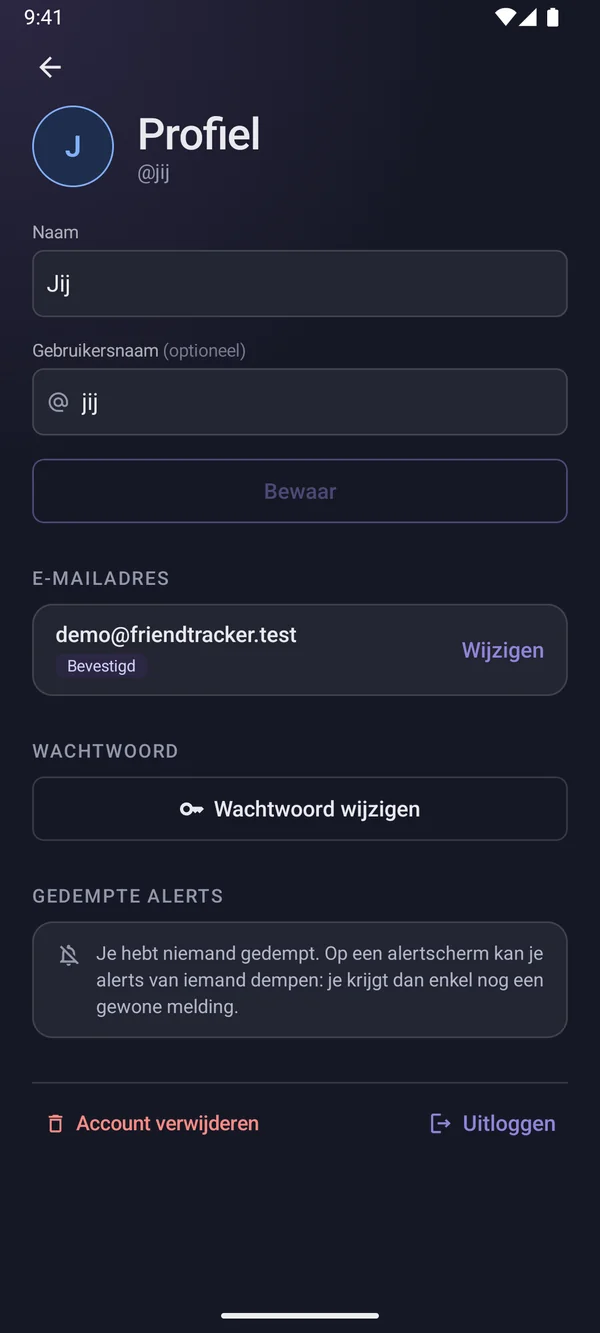
With Alert, you warn all participants in your current event at once, with a short message and — if you like — your location. Their phones keep ringing for up to 2 minutes, or until they respond with “On my way” or “Got it”. Getting too many alerts from someone? You can mute that friend. Friend Tracker is not an emergency service: in an emergency, call 112.
Festival this weekend? Put your friends on the radar.
Install the app, swap codes and create your event. Five minutes’ work — then you’ll find each other again.